Real-world problems. Your solutions.
Hands-on AI projects set in simulated real-world places. Students collect the data, train the AI, program it and test it — then publish what they built.
- Problem solvingYour self-driving car crashes on a bend. Find out why and fix it.
- Design thinkingDesign a toll plaza that lets ambulances through without stopping.
- Computational thinkingBuild an apple grading line step by step: the camera checks each apple, the AI decides, the pusher sorts it.
- Critical thinking“Rainforests are home to millions of animals.” Biology or Geography? Decide when the AI should say “Not sure”.
- Data thinkingYour car reads five distances to the road edge. Which way should it steer? Your driving data teaches the AI the answer.
- AI model buildingTrain an AI model for a self-driving car, then test it on roads it has never seen.
Watch the labs run.
Real recordings from the labs. Nothing is mocked up.
Real problems, made safe to explore.
A course teaches one idea per lesson. A lab puts many ideas to work on one real problem.
Real-world scenarios
Every lab starts from a real job: driving, grading fruit, running a toll gate.
Simulated environments
Everything runs in the browser, so students can try bold ideas and fail safely.
Hand-crafted by experts
Designed stage by stage by industry practitioners and academics.
Start with these labs.
Each lab is split into short stages, and work is saved as students go. New labs are added regularly.
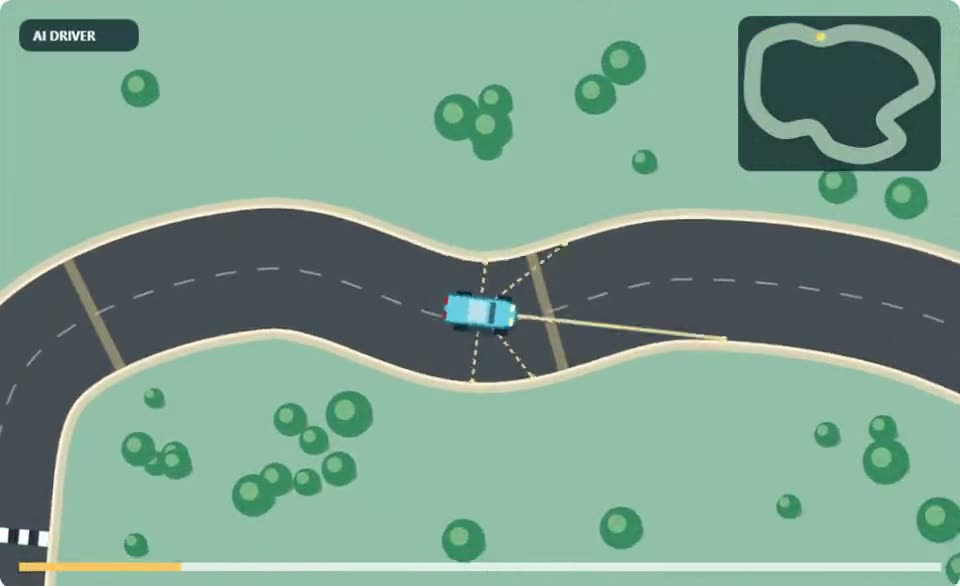
Train AI to Drive
Scenario: a self-driving race car
Drive the car yourself, train a neural network on your driving, fix its crashes, then test it on circuits it has never seen. Goal: zero crashes.
- Learn to Drive
- Teach by Driving
- Train
- Watch AI Drive
- Close Calls
- Test Day
- Build Your Own Road
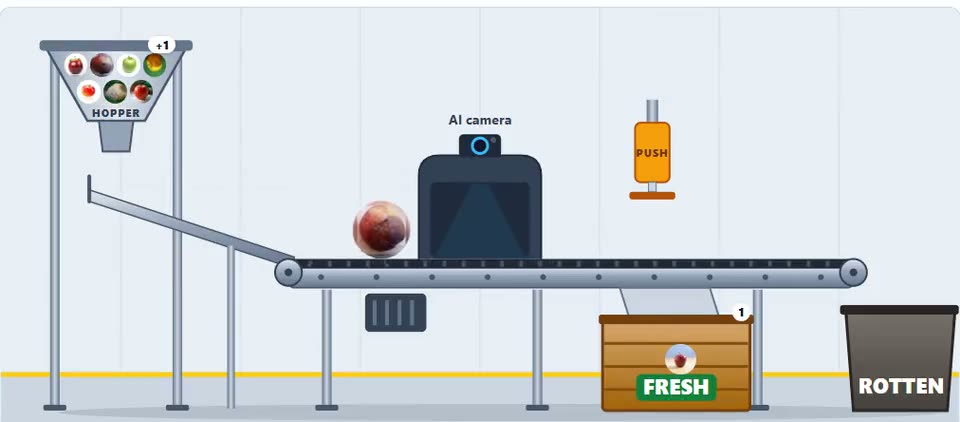
Train AI to Grade Apples
Scenario: a fruit grading belt
Collect photos of fresh and rotten apples, train an AI to sort them, program the belt with if-else blocks, and set a safety threshold so no rotten apple reaches the Fresh crate.
- Meet the Machine
- Collect Photos
- Train
- Program the Belt
- Safety Threshold
- Deploy
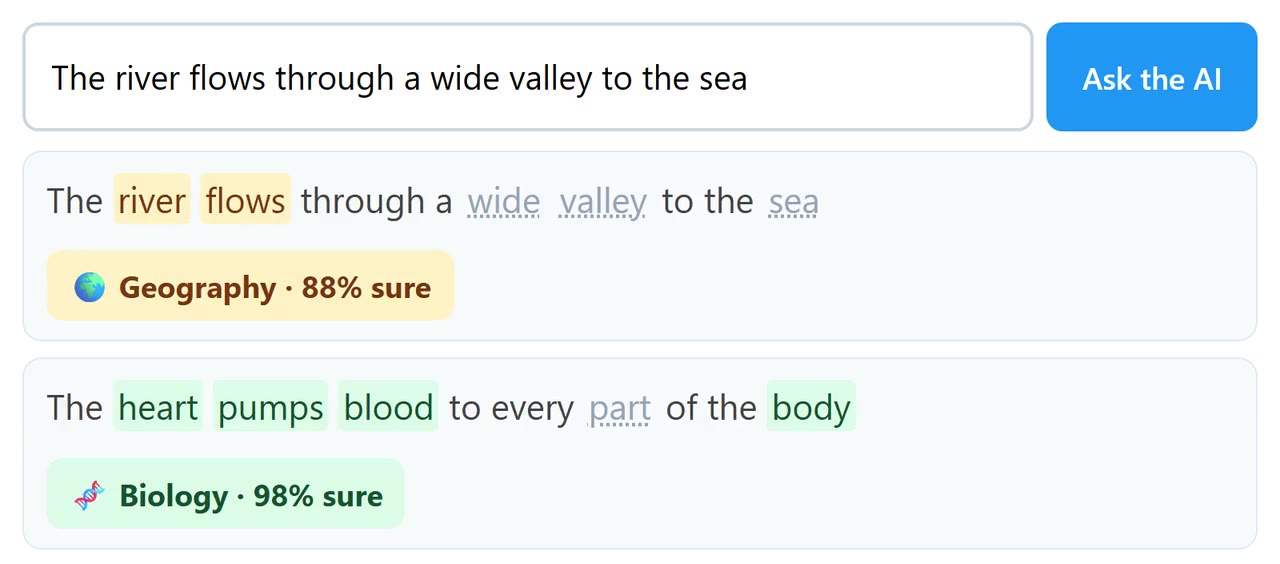
Train AI to Spot the Subject
Scenario: sorting questions by subject
Write sentences about Maths, Biology and Geography, train an AI to classify new sentences by topic, then fix its mistakes with more data and a smarter reader.
- Sort by Hand
- Write Sentences
- Train
- Test
- Fix the Mistakes
- Put It to Work
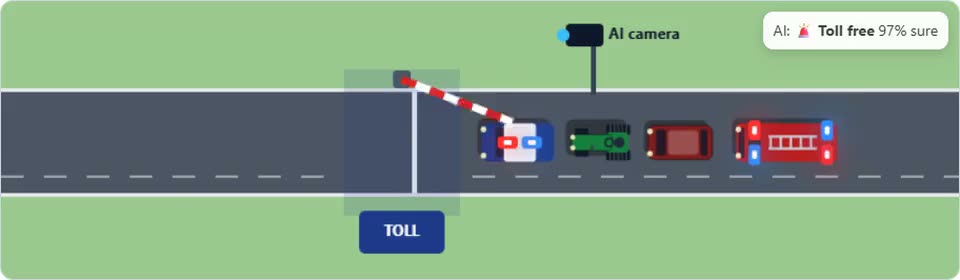
Train AI to Run a Toll Plaza
Scenario: a toll gate camera
Label vehicles at the camera, train an AI to spot toll-free emergency vehicles, program the gate, then test it on vehicles it has never seen.
- Run the Gate
- Label Vehicles
- Train
- Program the Gate
- Test Day
- Open the Plaza
How a lab works.
Students work through the stages each problem needs. Nothing is done for them.
Observe
Do the job by hand first, and see what makes it hard.
Investigate
Gather data and evidence. Find what causes the problem.
Design
Decide what data to collect, what the program does, and how safe is safe enough.
Build & test
Build it, train it, and test it on new cases.
Improve
Find the failures, fix them, and test again.
Share
Publish the finished project.
Projects students want to finish.
Labs feel like a game with a real goal — and the AI is theirs.
Play to learn
Drive the car, run the gate, sort the fruit.
Safe to fail
A crash in the simulation is a lesson, not a loss.
Clear goals
Zero crashes. No rotten apple in the Fresh crate.
Their own AI
Trained on their own data, so no two are the same.
Finished? Publish it.
One click gives students a link to share with friends, parents and teachers. Visitors see the results and can watch the AI work, live.
Explore Labs.
Labs is open to a small group of schools first. Tell us about your school, and we will set up access for you and your students.